
Try PyXLL for yourself with our free 30 day trial, or contact us to schedule a demo.
Start your free trialCreate workbooks for interactive analysis, modelling, live dashboards and more directly in Excel, all written in Python. PyXLL is the complete solution for writing Excel add-ins in Python.
PyXLL is optimized for performance. It’s built to work with numerical packages like NumPy, Pandas and SciPy ensuring that your spreadsheets will run fast.
Use your favorite Python IDE to develop and debug your Excel add-in, and reload without restarting Excel. Code is separate from Excel enabling version control, unit testing and continuous deployment.
Contact our global support team whenever you need help. PyXLL has detailed documentation and includes example code to get you started, but we’re always here for you whatever you need.
Expose your analytics or modelling functions directly to Excel users. Any Python function can be turned into an Excel worksheet function, or User Defined Function (UDF).
Interactive modelling, analysis and ad-hoc calculations
Build dashboards using Python functions
Source data from your existing systems
Faster calculation times than VBA
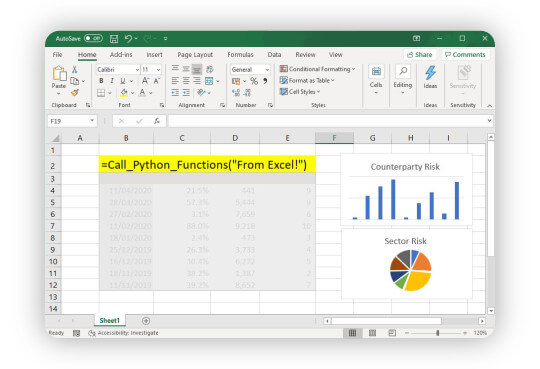
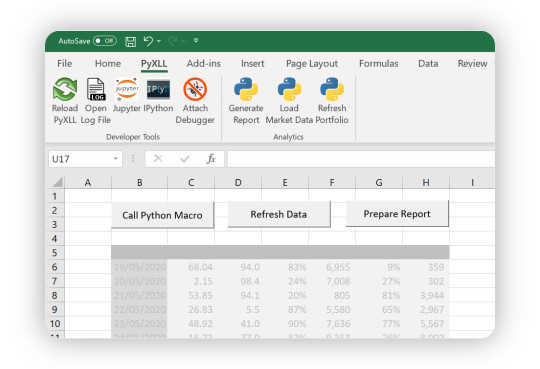
Automate Excel using macros, custom ribbon controls, and context menus, entirely in Python!
Use Excel instead of building your own UI
Bind macros to on-sheet buttons and other elements
Full control of the ribbon with Python actions
No VBA required, automate Excel with Python
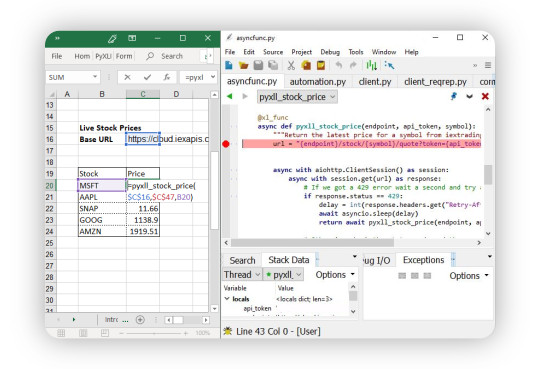
Stream live market data into your spreadsheets in real-time using Real Time Data (RTD) functions.
Make auto-updating dashboards with live data
Source real time data from anywhere with Python
Use Python’s asyncio event loop or your own threads
No complicated setup required
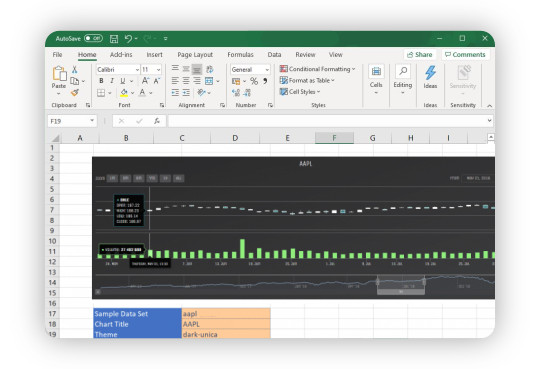
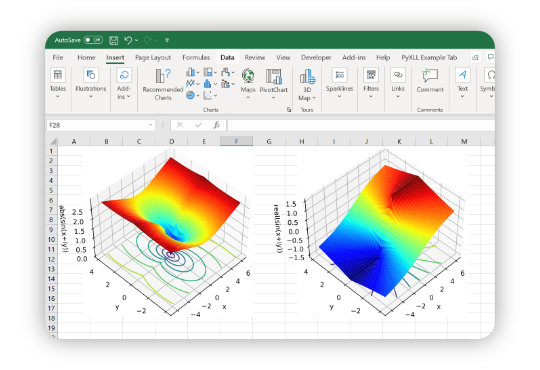
Use Python’s plotting and charting toolkits for amazing data visualizations from within Excel with PyXLL’s plotting integration.
Create charts from Excel worksheet functions and macros
Integration with all the common Python plotting packages
Use matplotlib, plotly, bokeh, altair and other packages
Update charts as input data changes
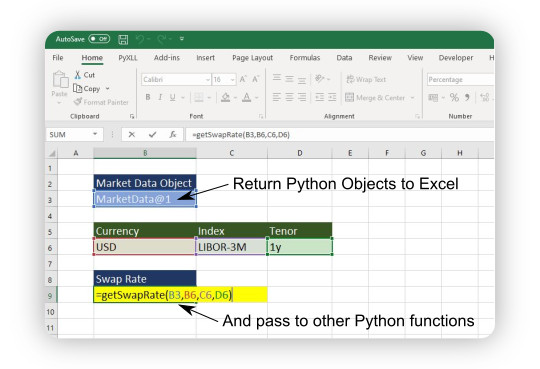
Pass Python objects directly between Excel worksheet functions for cleaner and faster workbooks with PyXLL’s object cache feature.
No need to always expand large arrays in Excel
Reduce spreadsheet clutter by returning objects in a single cell
Pass returned Python objects to other Python functions
Avoid time wasted reconstructing objects
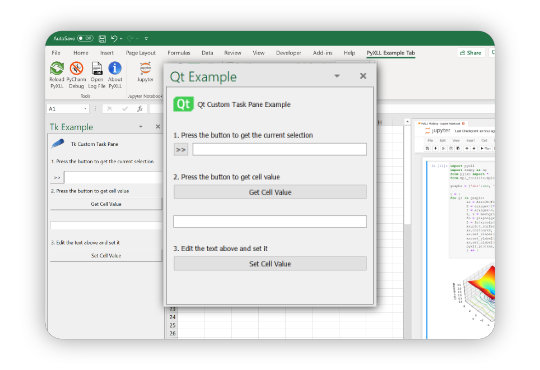
Add intuitive tools right in Excel where you need them using your choice of Python UI toolkit. PyXLL supports creating both Custom Task Panes and ActiveX controls.
Windows can be floating or docked task panes, or ActiveX controls
Works with PySide2, PyQt5, wxPython, Tkinter and more
Two way interaction between Excel and the user interface
Uses Excel’s native user interface for seamless integration
Use any Python distribution (including Anaconda) and your preferred Python IDE or editor.
All code is external to Excel so is easily managed and deployed
Debugging support for all major Python IDEs
Reload automatically or manually, without restarting Excel
Code can be run and tested outside of Excel
Test Python code outside of Excel
Book a demo session and let us show you what PyXLL can do for you!
